
You’re a web designer or developer. That means that you know what you’re talking about when it comes to the creation of a business website.
That also means you know your way around a content management system. Most notably, you should be familiar with WordPress, the world’s most popular website builder, and CMS platform.
You understand the reasons why anyone should want to work with WordPress. Your clients, on the other hand, might not.
What’s more, every competing CMS has a persuasive video about why you should choose them over WordPress.
Chances are, one of your clients has seen these videos, and they now fancy themselves an expert on web design. So, how can you communicate to them the effectiveness of WordPress and convince them to look beyond that corporate messaging?
By presenting your clients with hard facts, you’ll have a much easier time convincing them that WordPress is the right platform for this project.
Here are six benefits of WordPress that you can use to convince your clients that this is the CMS that should be used in the creation of their website.
Why you should use WordPress
Here are a few benefits your clients can surely get on board with:
- WordPress gives you more control
- Most widely used CMS
- WordPress plugins
- Marketing made easy
- Upgrades and security
- Scalability
1. WordPress gives you more control
WordPress is an open-source platform. That means the original source code is freely available. As such, it can be redistributed and modified freely. The end result is users who have more control over their self-hosted websites.

And WordPress sites can be used with any web host. This is a freedom that most proprietary platforms aren’t offering. If your client chooses a proprietary CRM that locks them into specific hosting, the site becomes vulnerable. If something were to happen to that company, all of the websites hosted on it would vanish without a trace.
So, it becomes a no-brainer to host the site through a well-researched hosting platform with phenomenal uptime, backups, and guarantees. The client can decide what the hosting of their website looks like and will never be bullied into relying on a company that they don’t trust. That’s all thanks to the flexibility of WordPress and the control that it affords.
Need something completely custom and built from scratch? You can do that too. There are more WordPress developers available than on any other platform. If you need one, I always recommend Codeable. If customization is needed in another CMS platform, the turnaround time could be much longer and might not even be possible.
Websites built on WordPress can be edited in any way, and the client can assign as many editors as they want. Compare this to the restrictions that a lot of other website builders impose. All too often you’re limited to only a select number of editors. That’s a limit WordPress does not share.
This should give the client a sense of ownership and security as it pertains to your relationship with them as well. How many horror stories exist out there about disgruntled web designers locking clients out of their own site or tearing the whole site down in a fit of rage?
By ensuring that the client and other employees within their organization have their own login credentials, this can never happen while using WordPress.
They’re also going to be able to make easy changes to their site once that initial design is complete. Because WordPress is so user friendly, anyone can edit content or add new elements without having a degree in web design. After a simple WordPress tutorial they will be good to go, navigating the WordPress dashboard with ease.

Why does this matter to your client? It means that they won’t have to continue to pay a designer every time they spot a punctuation mistake in their copy. The most common website maintenance tasks are largely automated on WordPress and can be performed with a click or a few simple keystrokes on the WordPress dashboard.
That means total control. This can only be considered a good thing when it comes to a resource as vital to modern business success as a website.
2. WordPress is the most widely used CMS
WordPress is used by 58.5% 63.6% of all websites that use a CMS (source). That is 20.1% 37.7% of all websites. That alone is impressive. It means that on average, every one out of three websites you visit is most likely running WordPress. It also supports over 70 different languages.

When choosing a platform, following the crowd isn’t always the right choice. There are times when using Squarespace or Shopify might make more sense. But there are automatic advantages you get when a platform has such a large user base, which we’ll go into more below.
Another interesting statistic to look at is internet penetration. As of June 2022, an average of 68% of the world’s population has access to the internet (source). In October 2010, the penetration average was only 28.7%. That means there are still many people without the internet and even more room for WordPress to grow.
3. WordPress plugins
WordPress has more than 60,000 plugins (up from 27,000 in 2013) to choose from. What’s more, plugins are always being updated to coincide with technological advancements. That means your client’s website can be easily updated without the need for a total redesign.

Building a custom backend system is time-consuming and very expensive. What’s more, the advancements that were cutting edge at the time of the site’s construction will be completely outdated in just a few years. By utilizing WordPress plugins, your clients are able to take advantage of the latest and greatest technologies and trends with ease.
You shouldn’t take that as a threat to your chosen profession, though. Plugins can never replace a skilled web designer, and many of them are too complicated for clients working on their own. On top of that, loading a site with too many plugins is a quick way to weigh it down and negatively impact functionality and the user experience.
Your job as a designer and developer is to stay on top of the latest advancements in WordPress plugins. That makes you an invaluable resource to your clients, designing the perfect cocktail of plugins, implementing them, and letting your client know when it’s time to update. Through your expert advice, you’ll be able to optimize their plugin combination to ensure that the site is always running efficiently.
4. Marketing made easy
When WordPress first started, it was created as a blogging platform, and a lot of people still use it for that (or at least have some kind of blog functionality on their website).
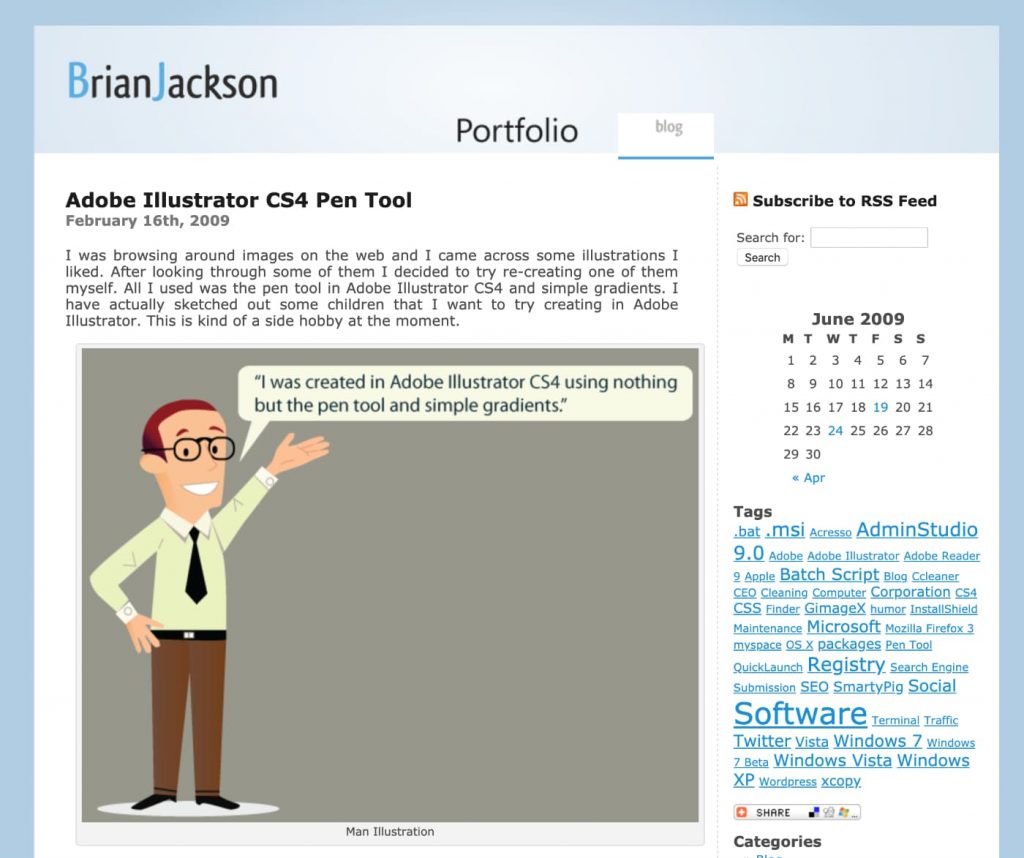
I started my first WordPress blog in December of 2008 and have been hooked ever since. Looking back, I really do have WordPress to thank for falling in love with blogging.
Because the platform was built with blogging in mind, it stands to reason that it’s one of the best platforms to choose if your clients want to get into inbound marketing.
Inbound is a vital piece of the content marketing puzzle and is essential to Search Engine Optimization (SEO) success. A simple WordPress post can go a long way.
Speaking of SEO, WordPress makes what can be a complicated part of marketing a business significantly easier. There are a number of tedious SEO tasks that you’re able to accomplish easily using WordPress.
WordPress automatically solves a ton of SEO issues… it takes care of 80-90% of Search Engine Optimization mechanics.
Matt Cutts (Former head of the webspam team at Google), WordCamp 2009
Not only that, WordPress has quite a few advantages when it comes to SEO — e.g. the use of title and heading tags, the ability to easily add alt tag for images, the generally fast load time, the ease to comply with Google’s mobile optimization standard, and the many SEO optimization plug-ins available — which increases the website’s ability to drive quality traffic and generate leads.
For example, you can change up your titles and heading tags and add alt text and descriptions for all of the images in your media library. This is also really easy to do in the WordPress Block Editor.

All of the themes and plugins for WordPress work together to create a more user friendly experience. Of course, this is great for the users of your client’s website.
But it’s also great from an SEO perspective.
Google will reward websites that provide a positive experience. After all, Google is placing its good name and reputation on the line when it recommends a website. It wants to make sure that it’s not putting the power of its name behind a website that’s going to frustrate users.
You’re also able to optimize permalinks and pepper them with keywords. Gone are the days of crazy assortments of random letters and numbers jumbled together to create a pathway to your client’s site.
Metadata is also an important piece of the SEO puzzle. It informs Google’s search bots, letting them know exactly what each page is about.
An SEO plugin like Yoast SEO makes it supremely easy to update metadata, further improving the site’s Search Engine Optimization ranking and moving your client up the Google page in a positive direction.

WordPress sites are also optimized for speed. Google has a serious need for speed when it comes to SEO rankings. If your site is too slow, it’s going to cause your client’s SEO score to plummet and their bounce rate to skyrocket for the people who actually manage to find the WordPress site.
5. Upgrades and security
Because it’s an open-source platform, WordPress is constantly being updated and upgraded by the global community. That means more plugin updates, more advanced new plugins, additions to your WordPress theme, and up-to-date security.

Nothing on the internet is 100% safe, but by ensuring that you’re using a platform that is optimized for security, your client can breathe a little easier.
If they’re not taking security seriously, that’s a huge issue. Cyber crime is not going away. If anything, it’s getting worse.
According to the University of Maryland, hackers attack websites every 39 seconds, for an average of 2,244 attacks every single day. Cybercriminals have stolen money that extends into the trillions of dollars over the years.
With such alarming statistics, it stands to reason that the peace of mind afforded by secure platforms like WordPress should be a major selling point for your customers.
6. Scalability
Flexibility and scalability are words that you should be using to illustrate that point. Your clients can use its multisite capability to replicate additional websites or pages without breaking the bank. That’s an important point to keep in mind as you scale up your marketing efforts and have to create smaller sites and landing pages to go along with various campaigns.

This would also be a good time to point out that The White House, Forbes, AMC, CNN, Boise State, and Time Magazine all run on a WordPress platform, so it’s not just for start-up businesses and blogs. Here are 130+ awesome examples of big brands using WordPress in 2026.
Summary
You owe it to your clients to provide them with the very best website design for their business needs.
But you also owe it to them to make sure that they’re getting the best website functionality. If you feel that WordPress is the right CMS for a particular client, it’s up to you to convince them as to the effectiveness and usability of WordPress.
Use these five points to illustrate your point and you’ll be able to make an epic case for why your client should become a WordPress user. And if you need help with a migration from another platform to WordPress, the team over at WordHerd is awesome.
